
- to update the program, access to the monitored device is required.
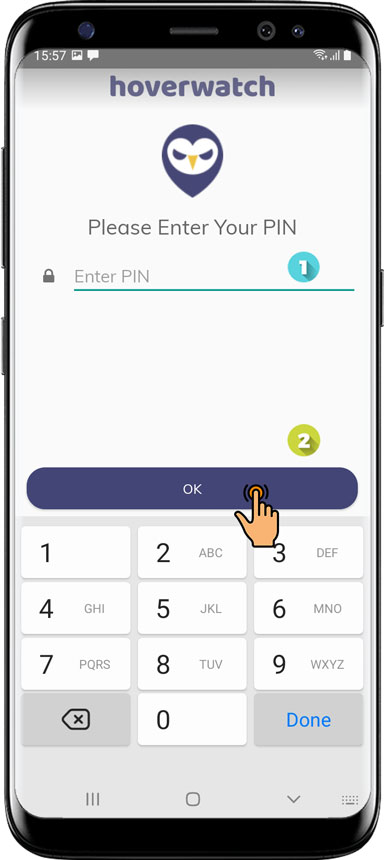
Step 1. Open the application Hoverwatch
- Using your "PIN" code.
- Press the UPDATE button.
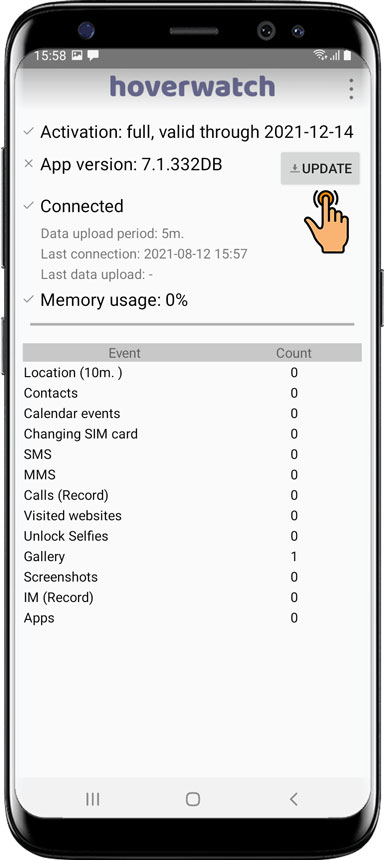
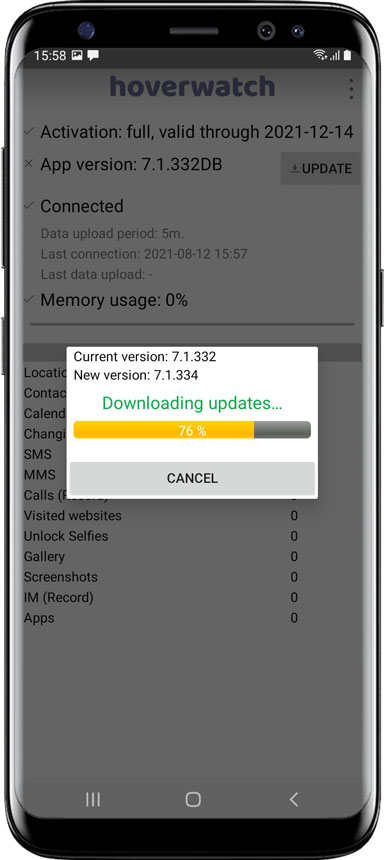
- Wait for the update to load.
- Tap YES.

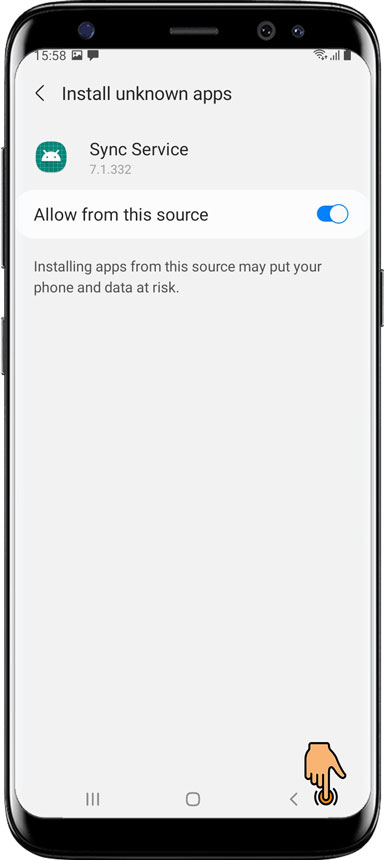
- Allow the update from unknown sources.
- Return to the previous screen.

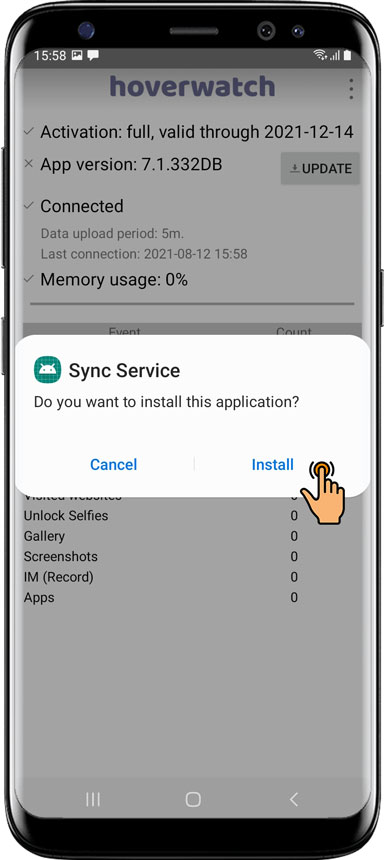
- Tap Install.
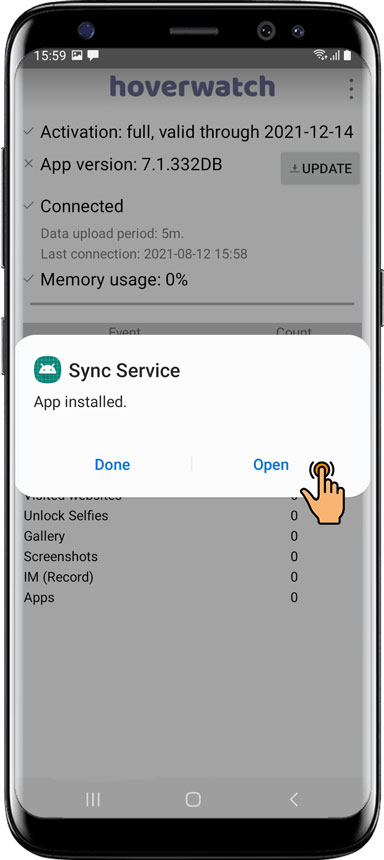
- Tap Open to open the application.
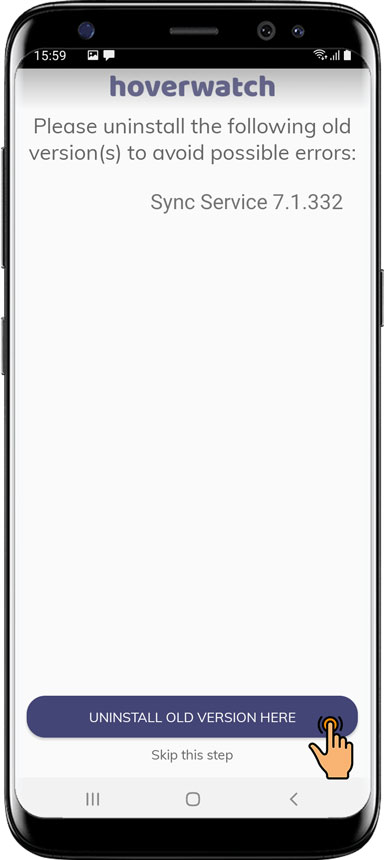
- Tap UNINSTALL OLD VERSION HERE to delete the previous version.
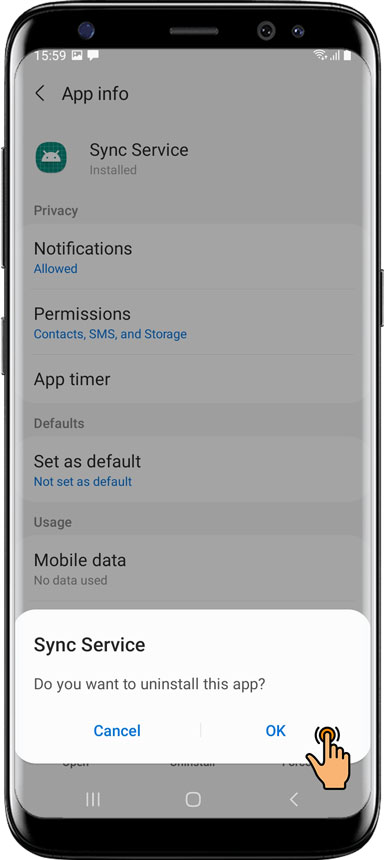
- Tap UNINSTALL.

- Tap OK to confirm you have uninstalled the previous version.
Step 2. Continue to install the new version (How to install Hoverwatch).
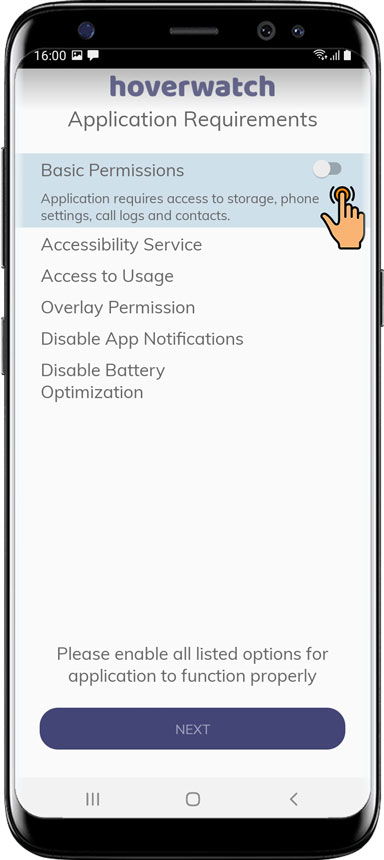
Continue installing Hoverwatch.
Have more questions? Submit a request.
Comments